Get a callback from our team within 20 minutes during business hours.

Power Apps is part of the Microsoft AI, automation and analytics ecosystem. It sits alongside Power Automate, Copilot agents and Power BI to help organisations build secure, low-code applications that connect their data, systems and people.
It helps teams create custom applications without needing a lot of development resources. From digitising manual processes and managing workflows to creating front-end interfaces for complex systems, Power Apps works across your existing Microsoft environment and beyond.
As a Microsoft Solutions Partner, we assist organisations in various sectors to create Power Apps solutions. These solutions deliver real and lasting value. If you’d like to explore what it could do for your business, our consultancy team is a good place to start.
Benefit from multi-factor authentication, detailed version tracking, user-specific permissions, a 90-day audit trail, and adherence to key regulations like GDPR and HIPAA.

Find out how Power Apps can make your business operationally more effective through custom built app solutions.
Speak to one of our Power Apps consultants today

"*" indicates required fields
From streamlining operations to enhancing user experiences, here’s how our Power App services are making a difference…
Traditional workflows can be rigid, not always fitting the unique needs of every organisation. With Power Apps, businesses can craft custom workflows tailored to their specific requirements. From drag-and-drop editors to pre-built templates, Power Apps makes workflow creation and management a breeze, ensuring processes align perfectly with business goals.
Managing finances and inventory can be complex, often requiring multiple tools and manual interventions. Power Apps streamlines these tasks, from expense reporting and invoice creation to inventory data uploading and purchase order approvals. This centralisation ensures accuracy, efficiency, and real-time updates, making financial and inventory management more intuitive and effective.
Juggling multiple projects and assets can be challenging, especially without a unified system. Power Apps offers comprehensive project planning, monitoring, and management tools. Additionally, businesses can track, book, and manage assets efficiently, ensuring optimal resource allocation and utilisation.
Regular inspections and audits are crucial, but they can be time-consuming and often lack real-time feedback mechanisms. Power Apps facilitates various audits, from inventory to safety compliance, and implements quality control measures. Moreover, it can be set up to automatically collect and analyse feedback, ensuring businesses remain aligned with customer needs and industry standards.
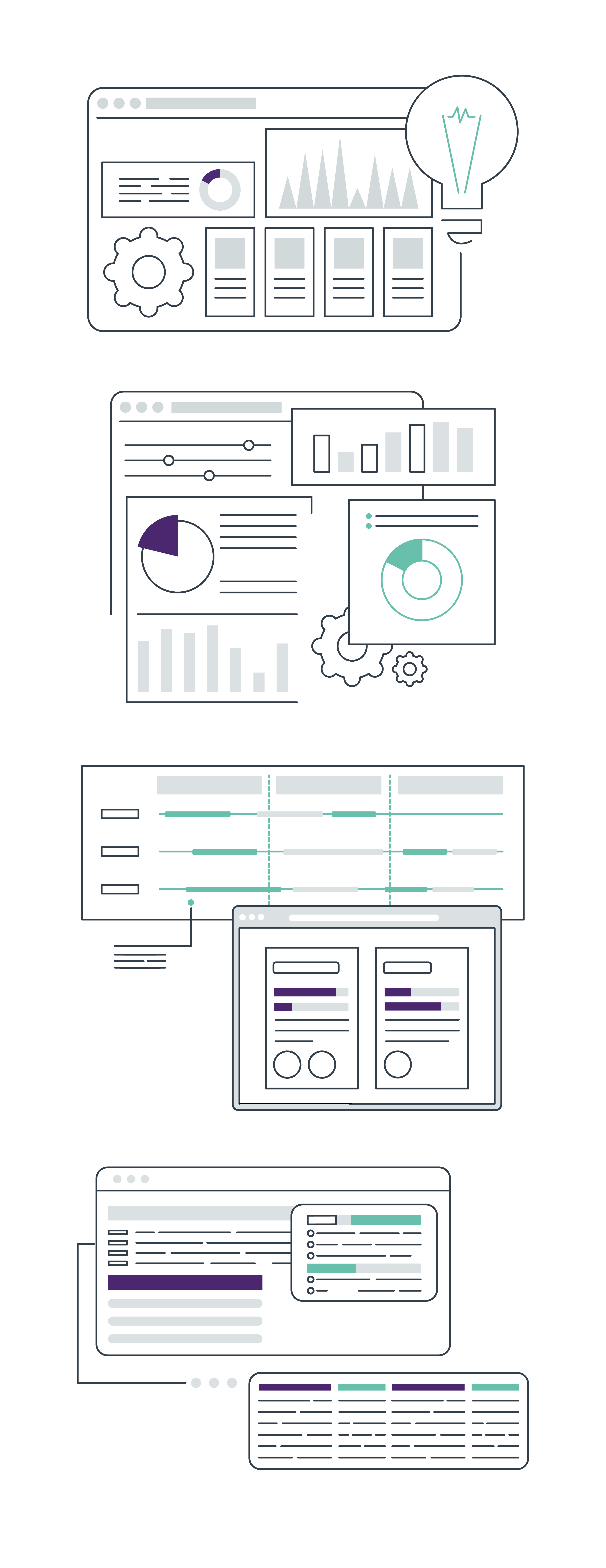
Microsoft Power Apps is not just an app-building tool; it’s a versatile platform designed to seamlessly integrate into your diverse work environments.
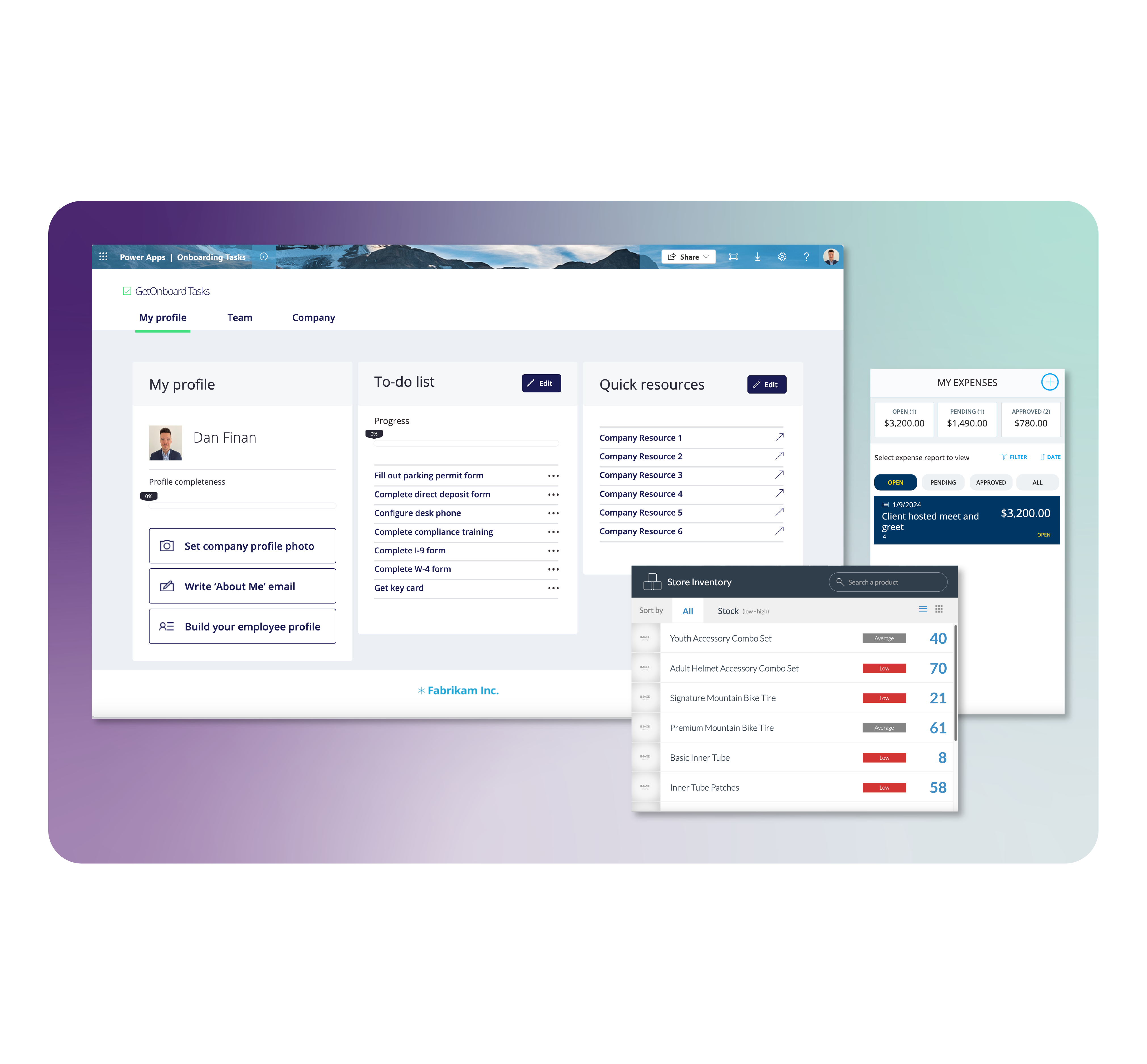
Microsoft Power Apps is a powerful tool on its own. But its true potential is unlocked when it works alongside the broader Microsoft stack. Combined with tools like Power BI, Power Automate, Microsoft Fabric and Copilot Studio, you get a connected, intelligent platform that drives real change across your organisation.
Power Apps is a great tool. But the key is knowing where it can make the biggest impact in your business. Our Triple A Assessment helps you see just that. We evaluate your current setup and show where technology can add real value.


Power Apps offers a no/ low code app environment, meaning you can create apps using a drag-and-drop interface and pre-built templates, reducing the need for extensive coding
As a Low Code App platform, it allows businesses to rapidly develop applications with little to no coding. This accelerates the development process, reduces costs, and enables those without extensive coding knowledge to participate actively in the app creation process.
No, Power Apps allows you to create apps for both mobile and desktop environments.
Yes, Power Apps supports a wide range of data connectors, allowing you to pull data from external sources like SQL databases, SharePoint, Excel, and many third-party apps. Our Power app services ensure seamless integration with these tools, amplifying the capabilities of each.
Power Apps offers offline capabilities, allowing users to run apps, view, and edit data even without an internet connection. Once reconnected, changes are synchronized back to the cloud.
Absolutely! There are a range of customisation options, from themes and layouts to custom branding, ensuring your app aligns with your brand identity.
Absolutely! Our Power app consulting services are designed to guide newcomers and experienced users alike.